
How to Add Google Maps to a Wedding Invitation (So Guests Actually Arrive)
A practical guide to adding the right Google Maps pin to your digital wedding invitation — hall name vs exact gate, parking, and two venues.
Updated 9 October 2026·6 min read
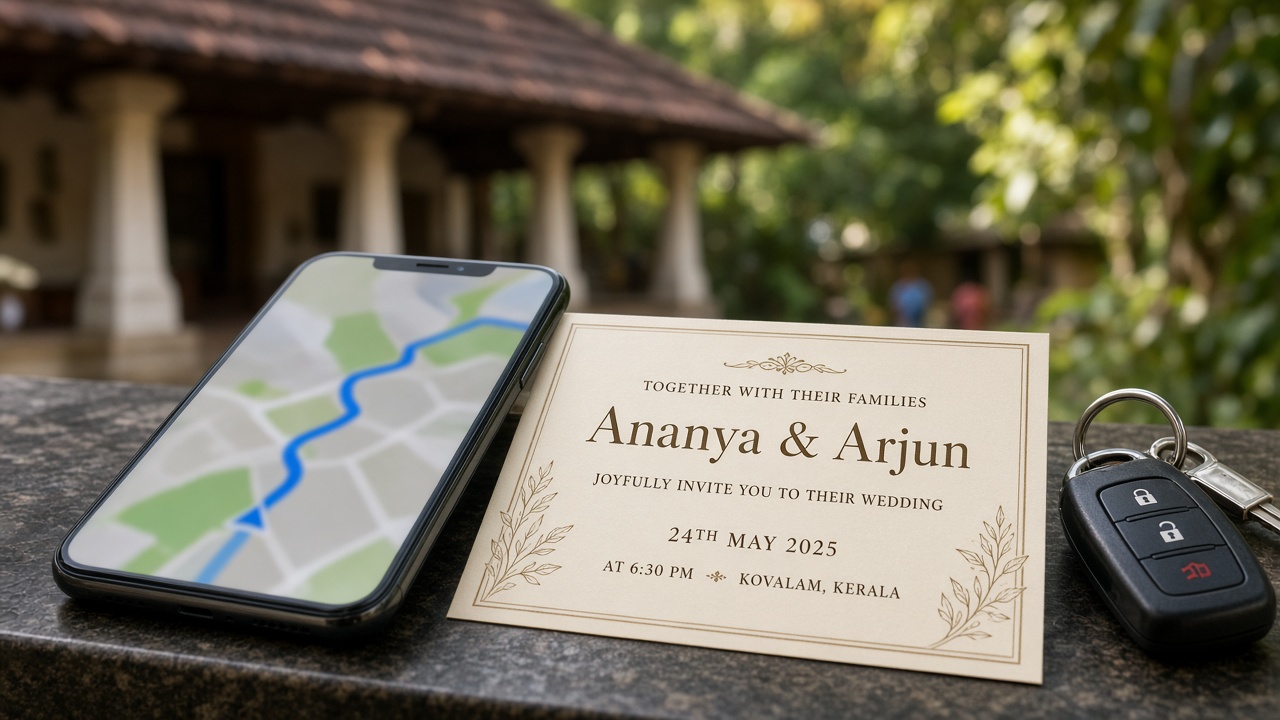
The number one phone call a bride's father gets on the wedding morning is not about the muhurtham. It is “Where exactly is the entrance?” A good Google Maps pin on your invitation prevents most of those calls. A bad one sends a bus of relatives to the back lane of the hall. Here is how to do it properly.
Hall name versus the exact gate
Searching for the hall name works only when the hall has a clean Google listing. Many auditoriums in Kerala have two or three listings, an old one, a new one and one named after the road. Before you copy anything, check which pin sits on the real front entrance.
- Open Google Maps and search for the hall.
- Zoom into satellite view and find the main gate and parking.
- Long-press on the gate itself to drop a pin there.
- Tap Share and copy the link.
- Open the copied link on another phone to confirm it lands correctly.
Better still, visit the venue and drop the pin while standing at the gate. It takes ten minutes and saves hours.
Use the short link, and test it on mobile data
Long map URLs can break when pasted into WhatsApp and some guests use phones without the latest Maps app. Use the short “share” link and always tap it from a fresh chat on mobile data. If it opens the map app directly, you are good.
When there are two venues
Muhurtham at a temple or church, then sadya at a hall ten minutes away? Put two separate map buttons, with clear labels, and not one link that tries to do both. For example:
- Muhurtham: Sree temple, east nada entrance
- Sadya and reception: Auditorium, main gate on the highway side
Our Kerala invite details guide shows how to lay out times beside each location.
Parking and the last 200 metres
Maps gets people to the road. It does not tell them that the car park is behind the building or that a procession is blocking the main lane. Add one line next to the map:
- “Car parking inside the ground behind the hall. Enter from the left lane.”
- “Two-wheelers near the side gate. Buses please drop at the main gate.”
- “Landmark: opposite the old petrol pump.”
If you expect many cars, ask a friend or cousin to stand at the turning with a phone. Guests will always trust a person over an app.
Help for guests coming from far
For relatives coming by train or flight, add the nearest railway station or airport and an honest travel time. “Around 40 minutes from Kozhikode station by taxi” is more useful than a general address. If you have booked rooms or a block at a nearby lodge, put its pin too.
Mistakes to avoid
- Pinning the town centre rather than the venue.
- Pinning the old hall name that no longer exists.
- Forgetting the second venue entirely.
- Sending a screenshot of the map instead of a live link.
Invyto pages come with map buttons built in. See how it looks in the live examples, or check our Kerala designs.